CINDERLORE STUDIOSR15 MOTION COLLECTION

Combat · FREE COLLECTION

R15 Combat Starter Motions

Cinderlore Studios

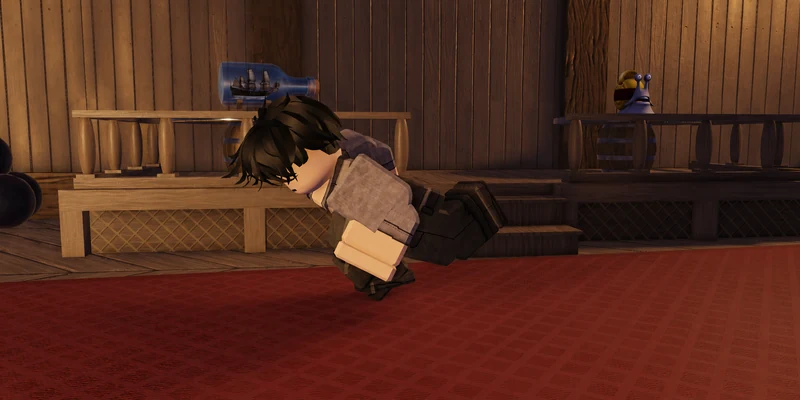
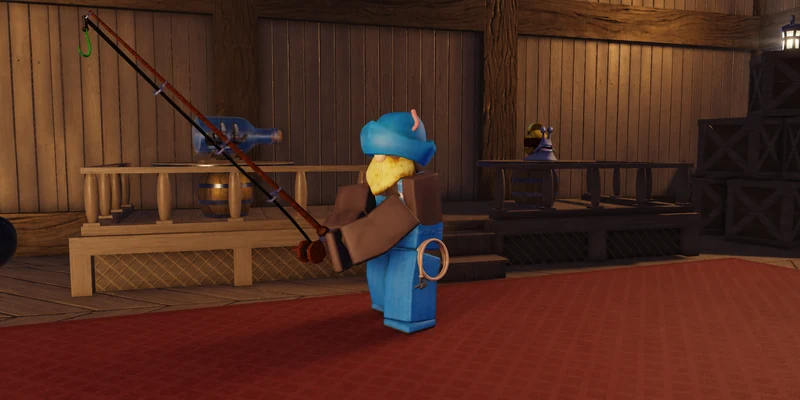
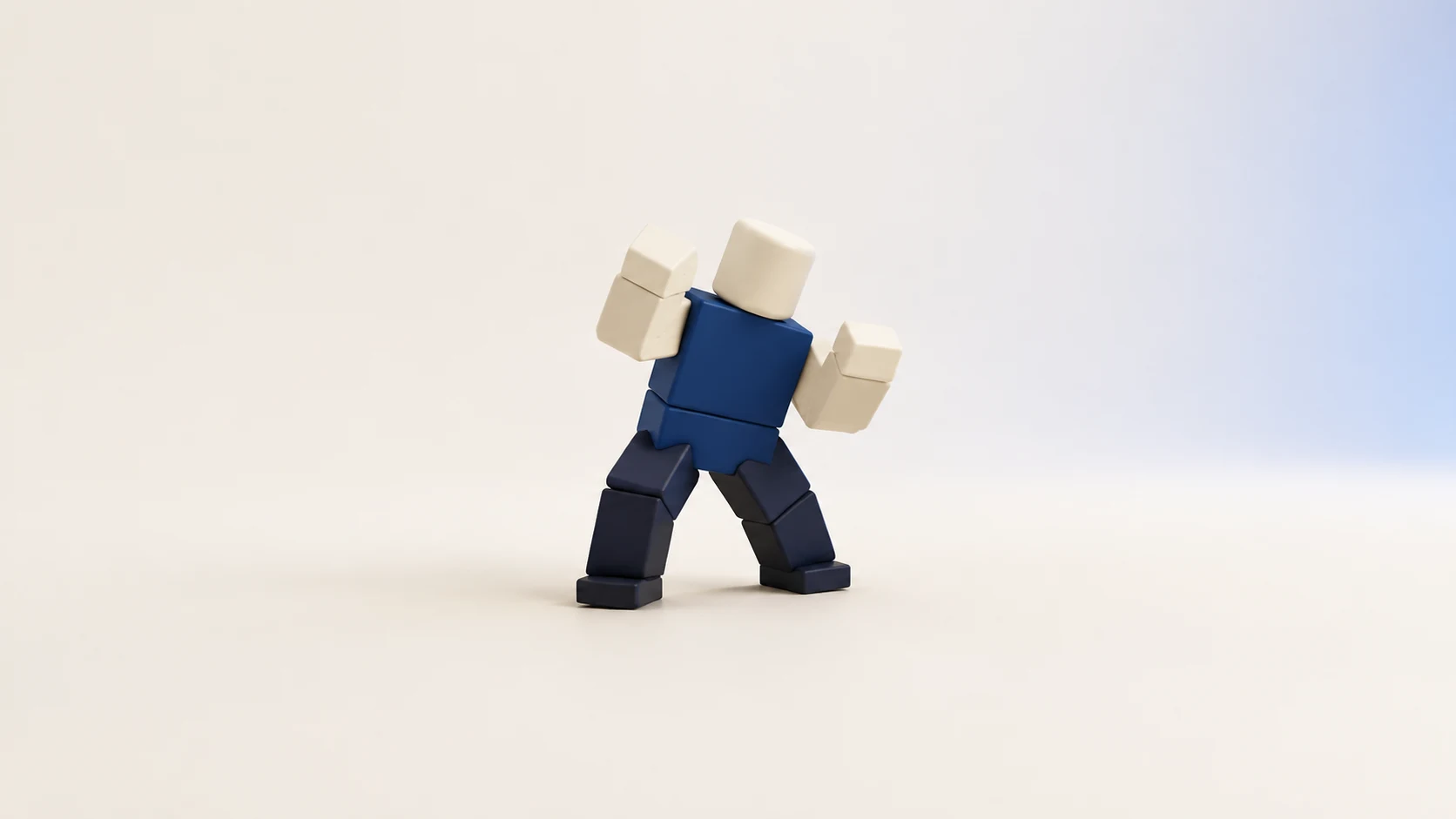
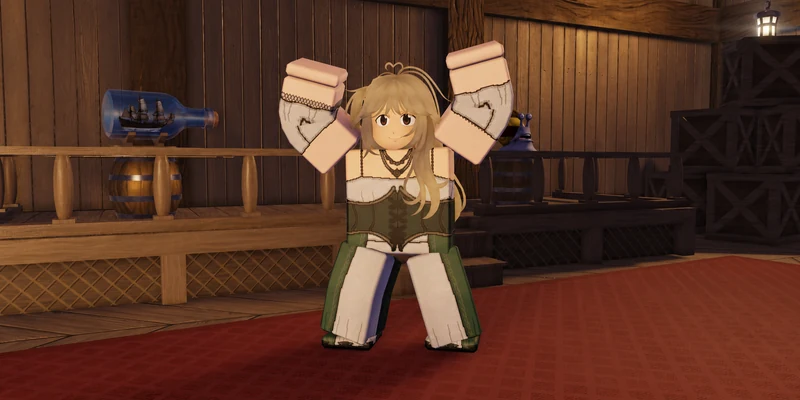
Seven R15 motions for prototyping an unarmed combat presentation. Edit the included KeyframeSequences, publish your own animation IDs, and connect them to your combat controller.

FreeNo payment or signup required
Download .rbxm

Direct download · 173.7 KiB

Format
.rbxm · KeyframeSequence
Rig
R15
Version
1.0.0
File size
173.7 KiB (177,913 bytes)

IN THE PACK

What’s included

  • Editable R15 KeyframeSequence animations
  • Optional published animation ID references
  • Import and republishing instructions

7 ANIMATIONS

Every animation, included.

Animation length, loop settings and priority.

R15 Combat Starter Motions animation contents
AnimationDurationPlaybackPriority
Guard Pose0.98 sLoopAction
Guard Reaction0.42 sOne-shotAction2
Hit Reaction 010.48 sOne-shotAction2
Light Punch Left 010.42 sOne-shotAction
Light Punch Left 020.40 sOne-shotAction
Light Punch Right 010.42 sOne-shotAction
Light Punch Right 020.40 sOne-shotAction

ROBLOX STUDIO

From pack to place.

Insert the .rbxm in Roblox Studio, open EditableClips, and load an animation onto your R15 rig in a compatible animation editor. Publish it under the account or group that owns your experience, then use your new animation IDs in your game.

Publish each animation under the account or group that owns your experience. Use the new IDs in your game.

Read the step-by-step guide →